
Cool Photography



What’s This?
This is a collection of photography, photoshop, and illustrator works that I made in my I M 113 class. The assignments required me to take a series of photos at various angles, create composites in photoshop with them, and create a vector illustration from one.
My Process
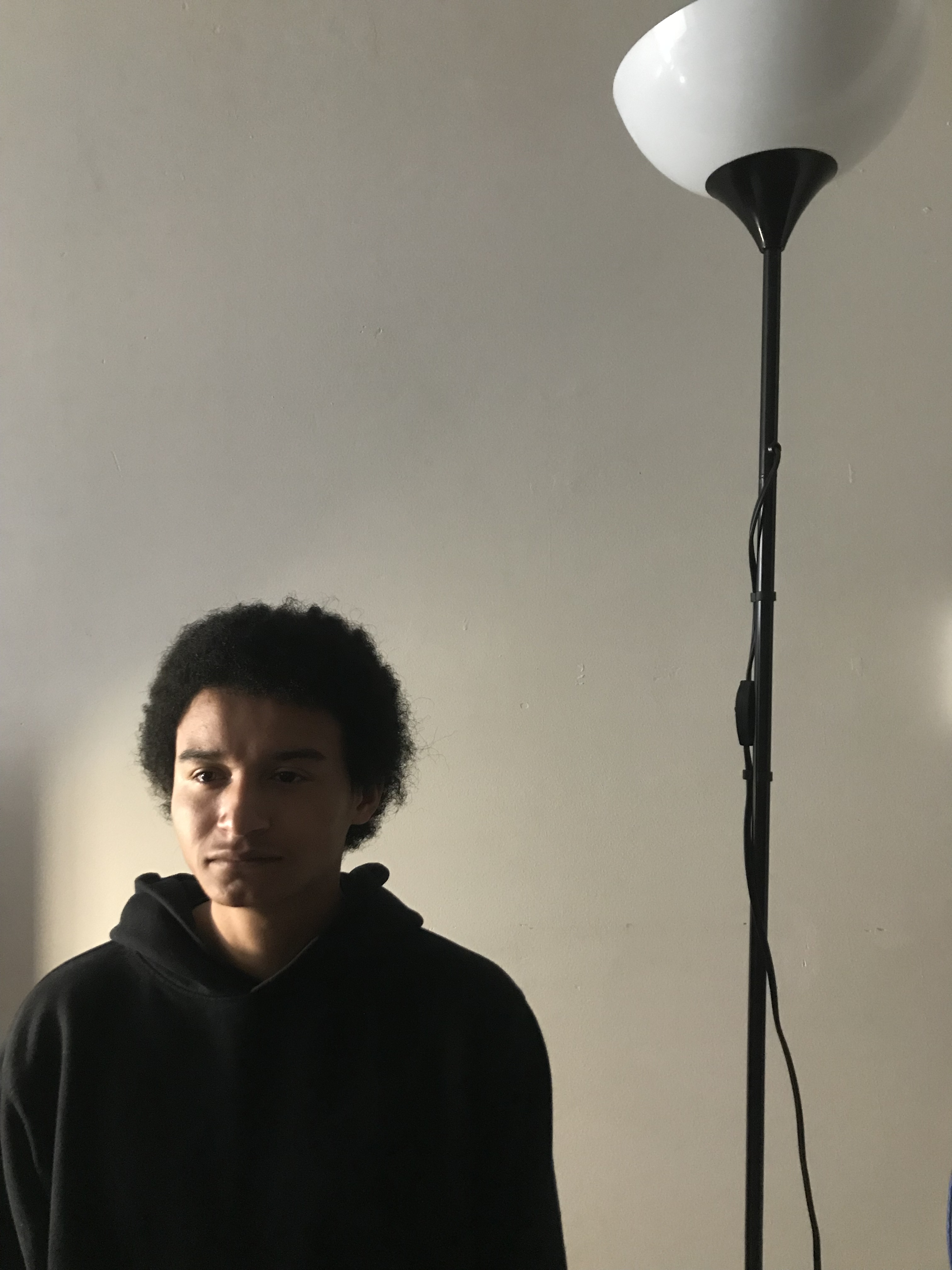
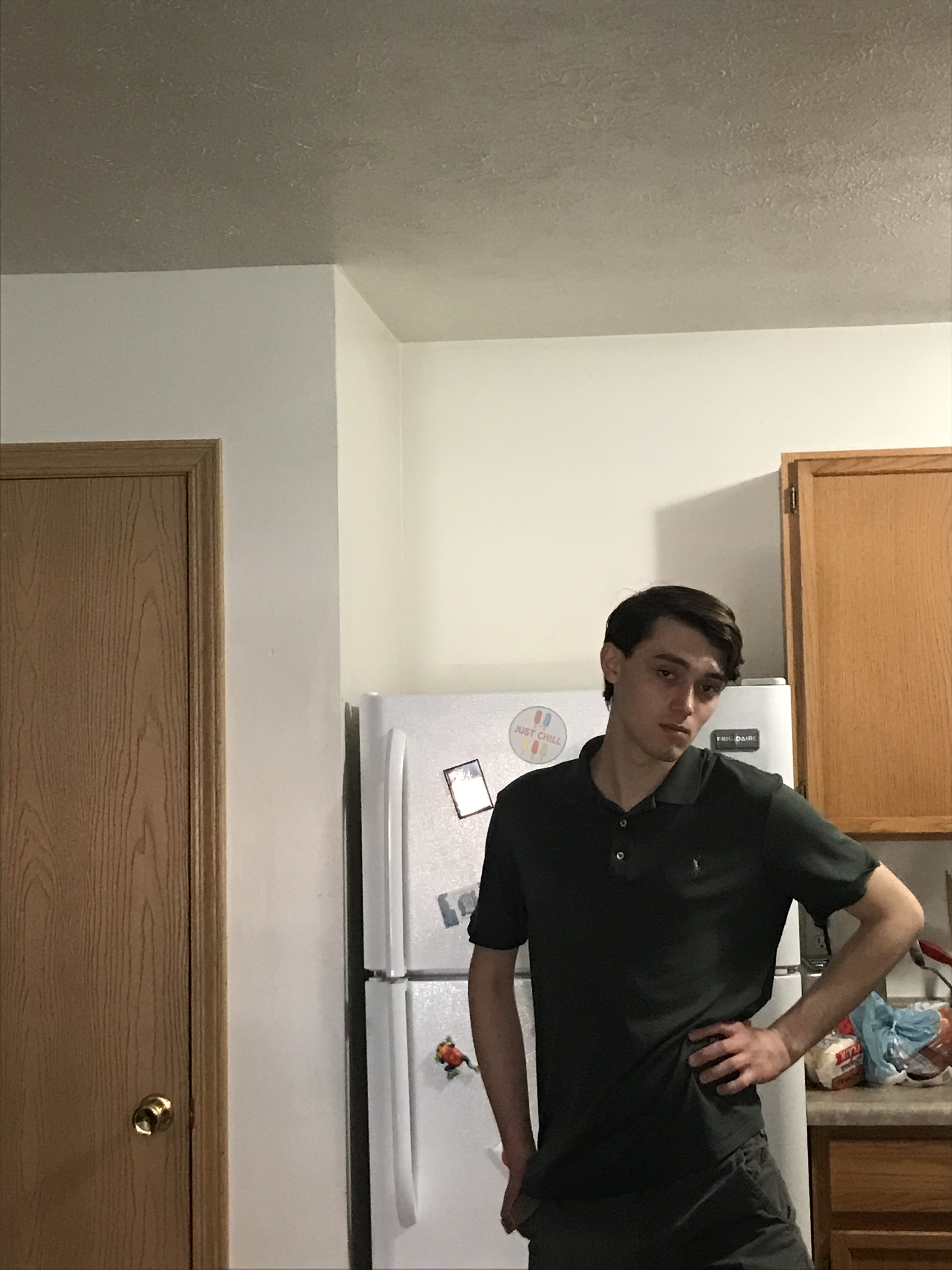
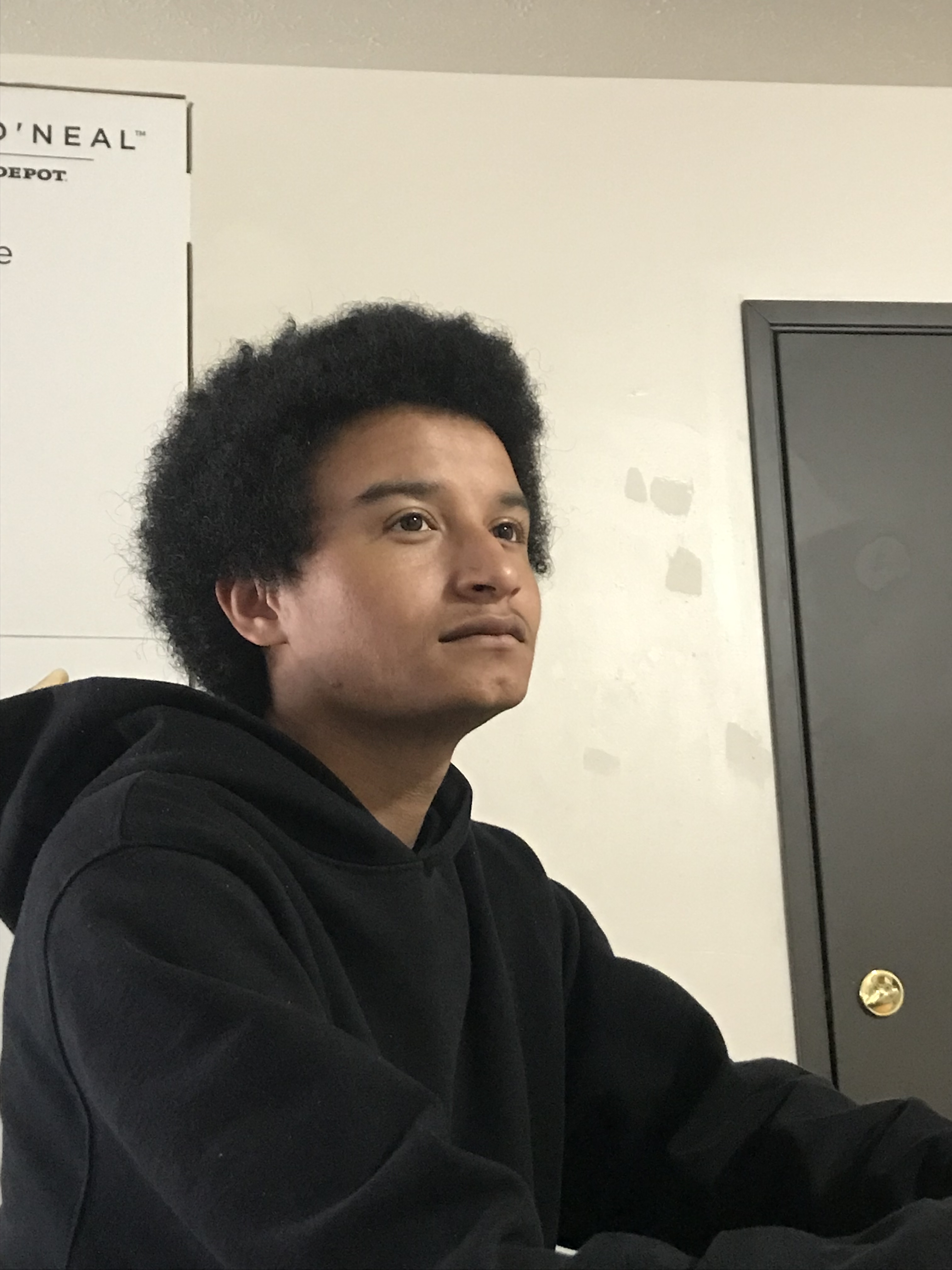
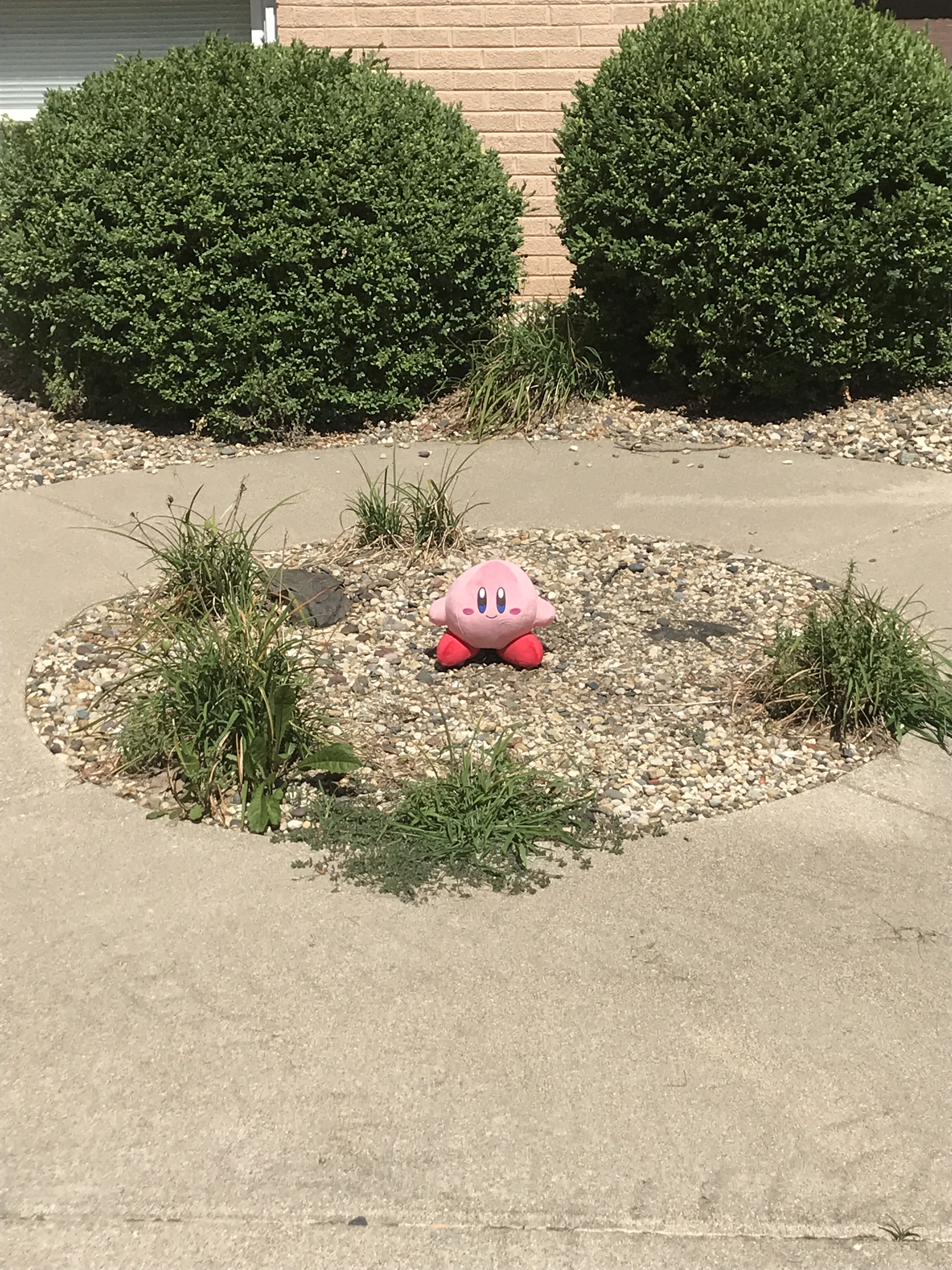
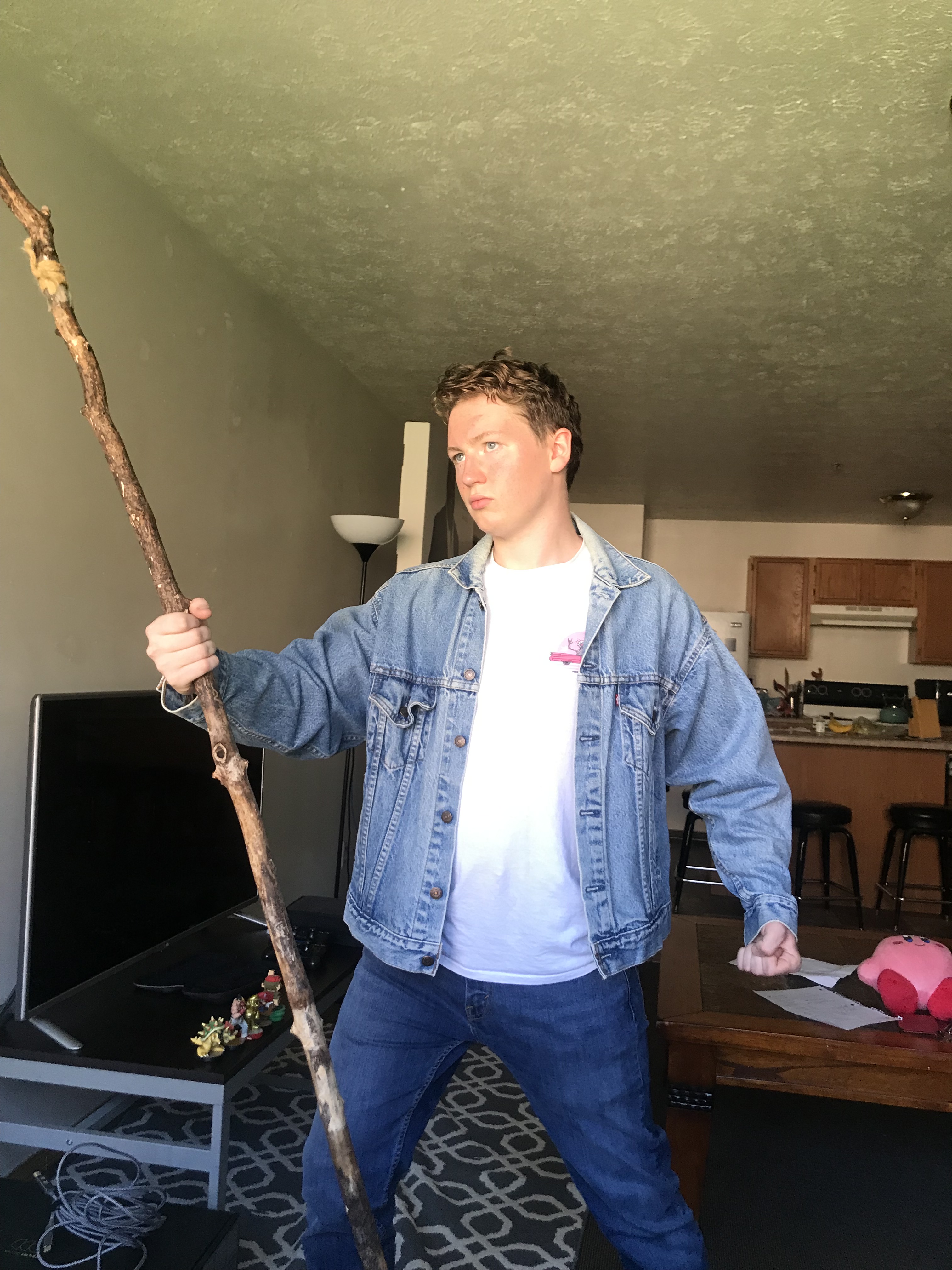
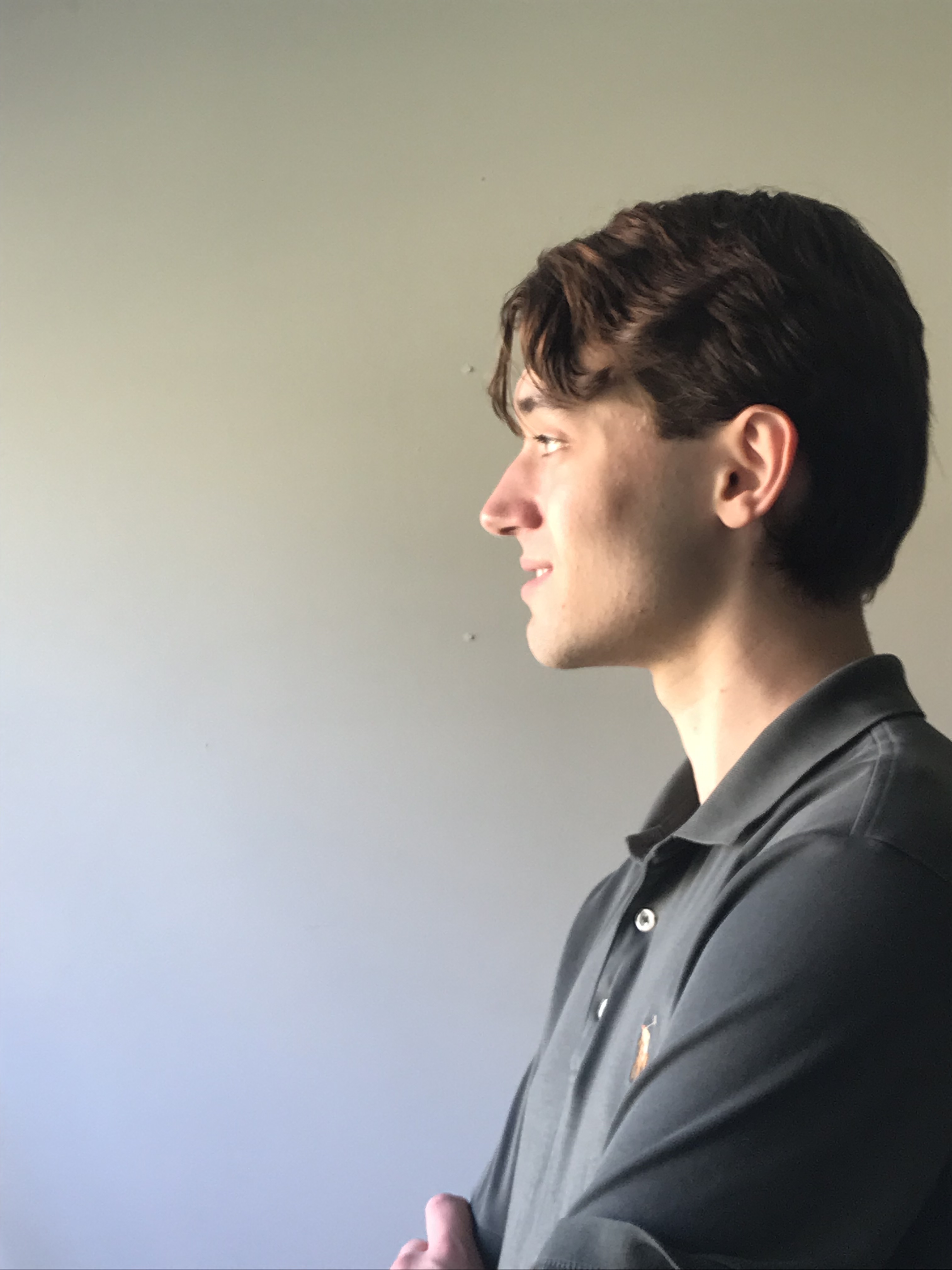
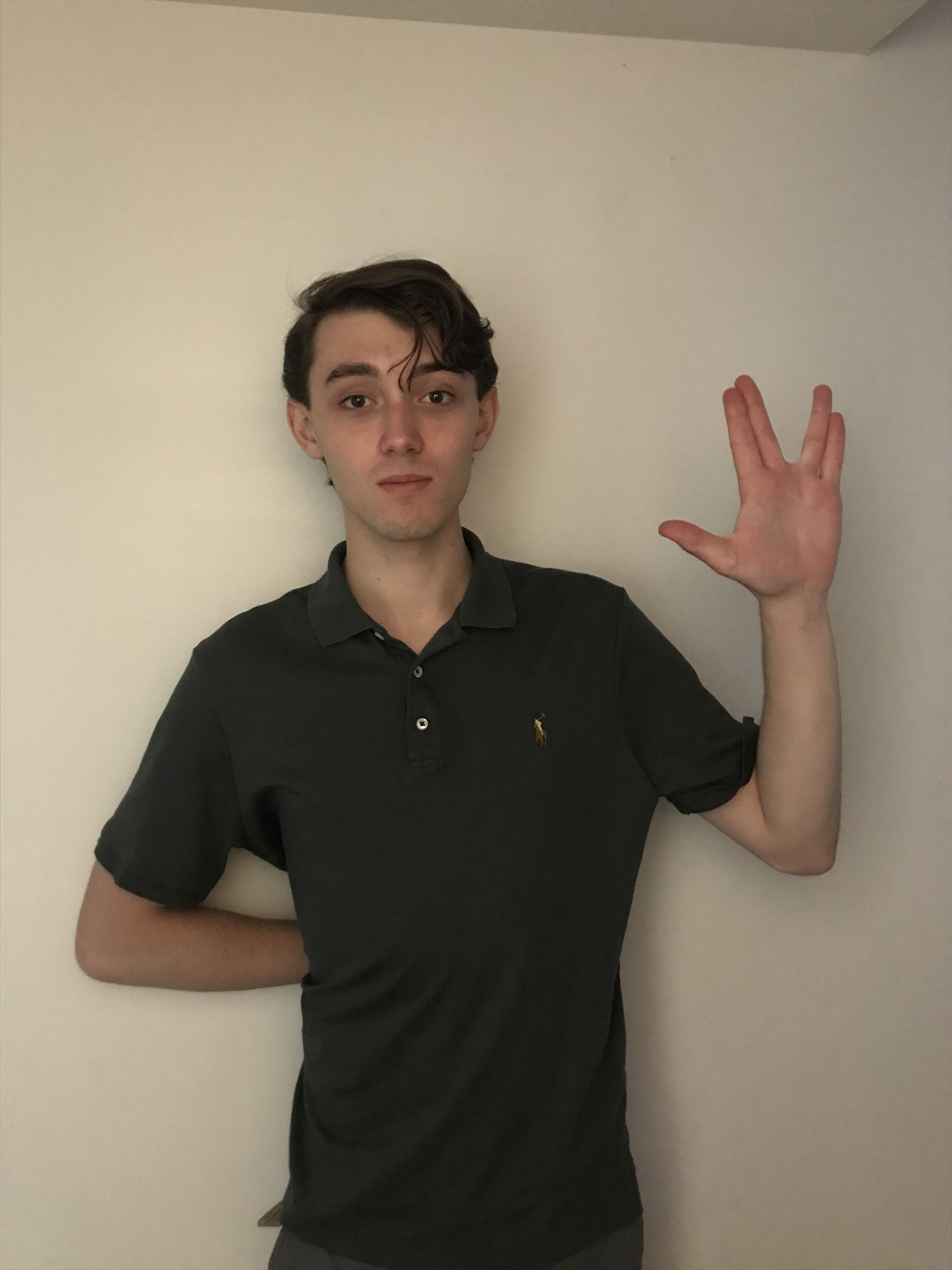
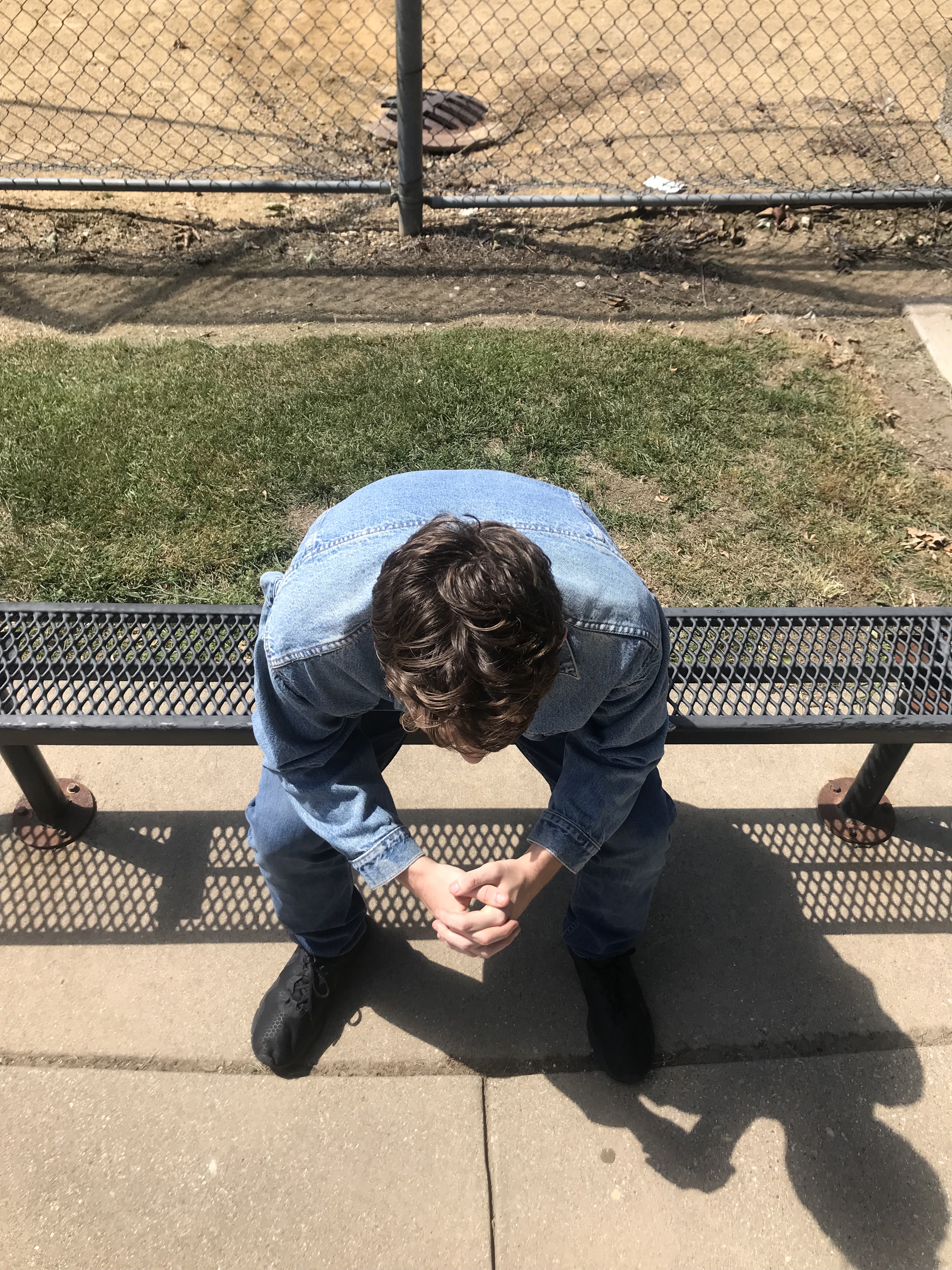
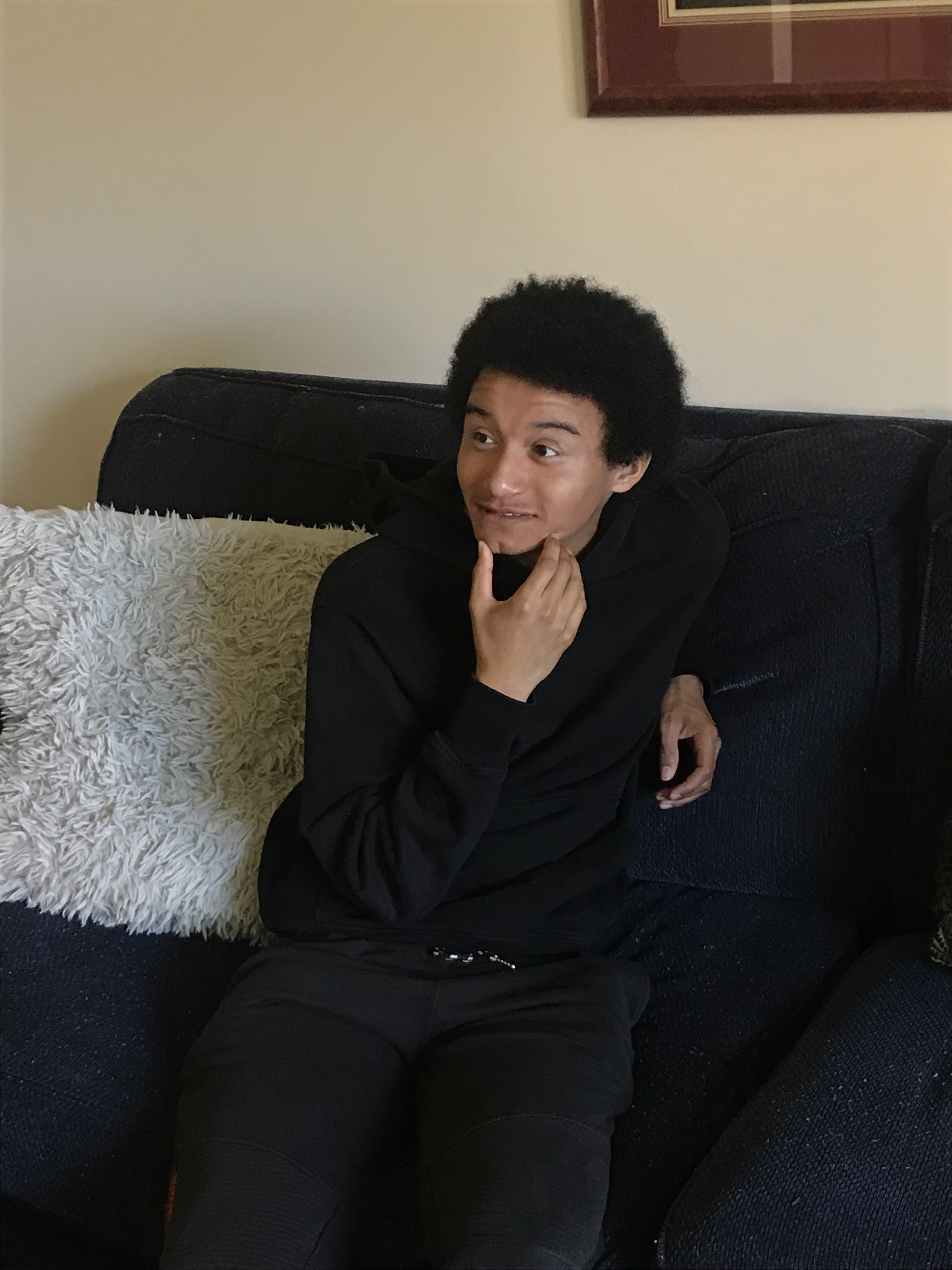
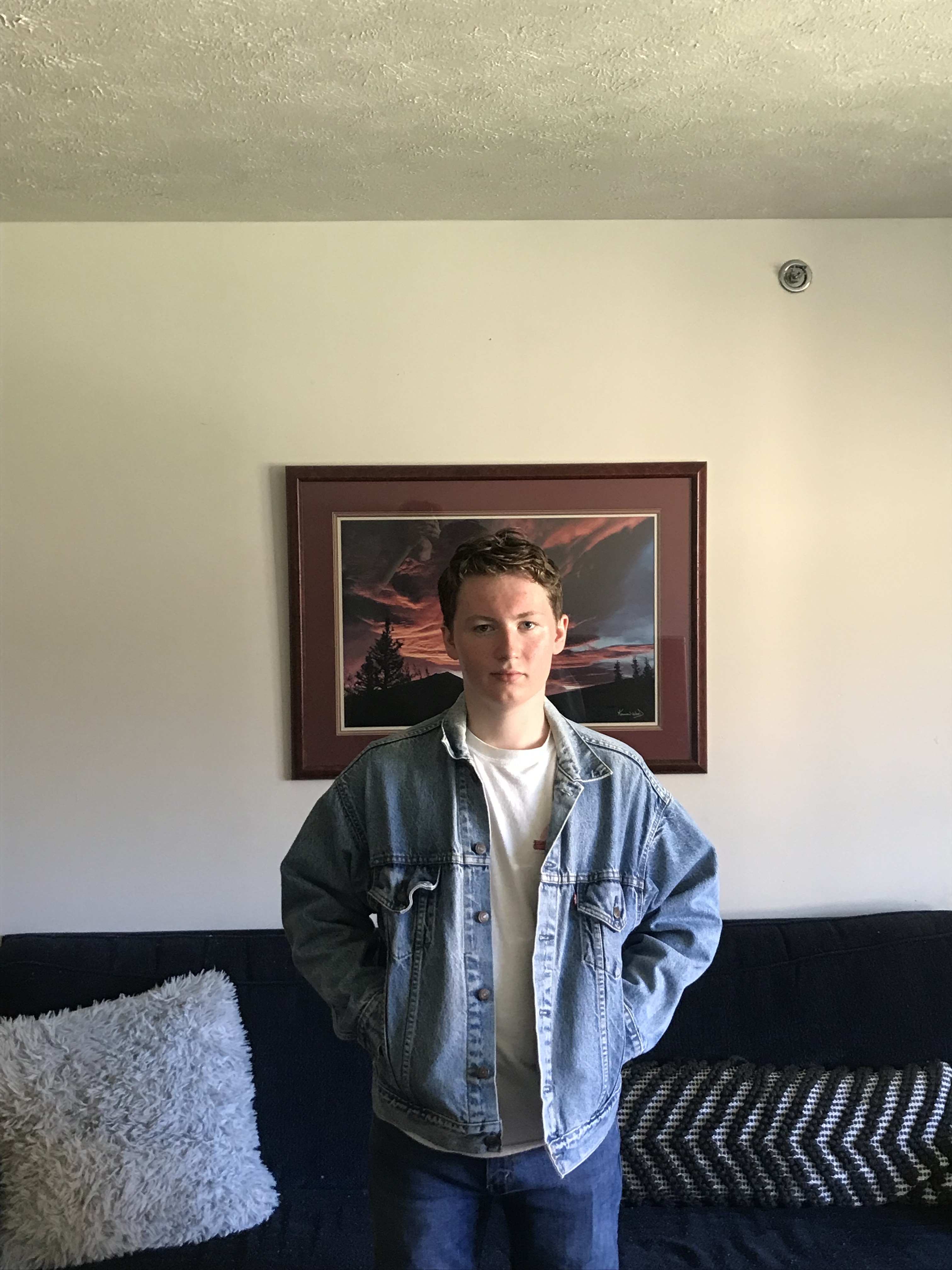
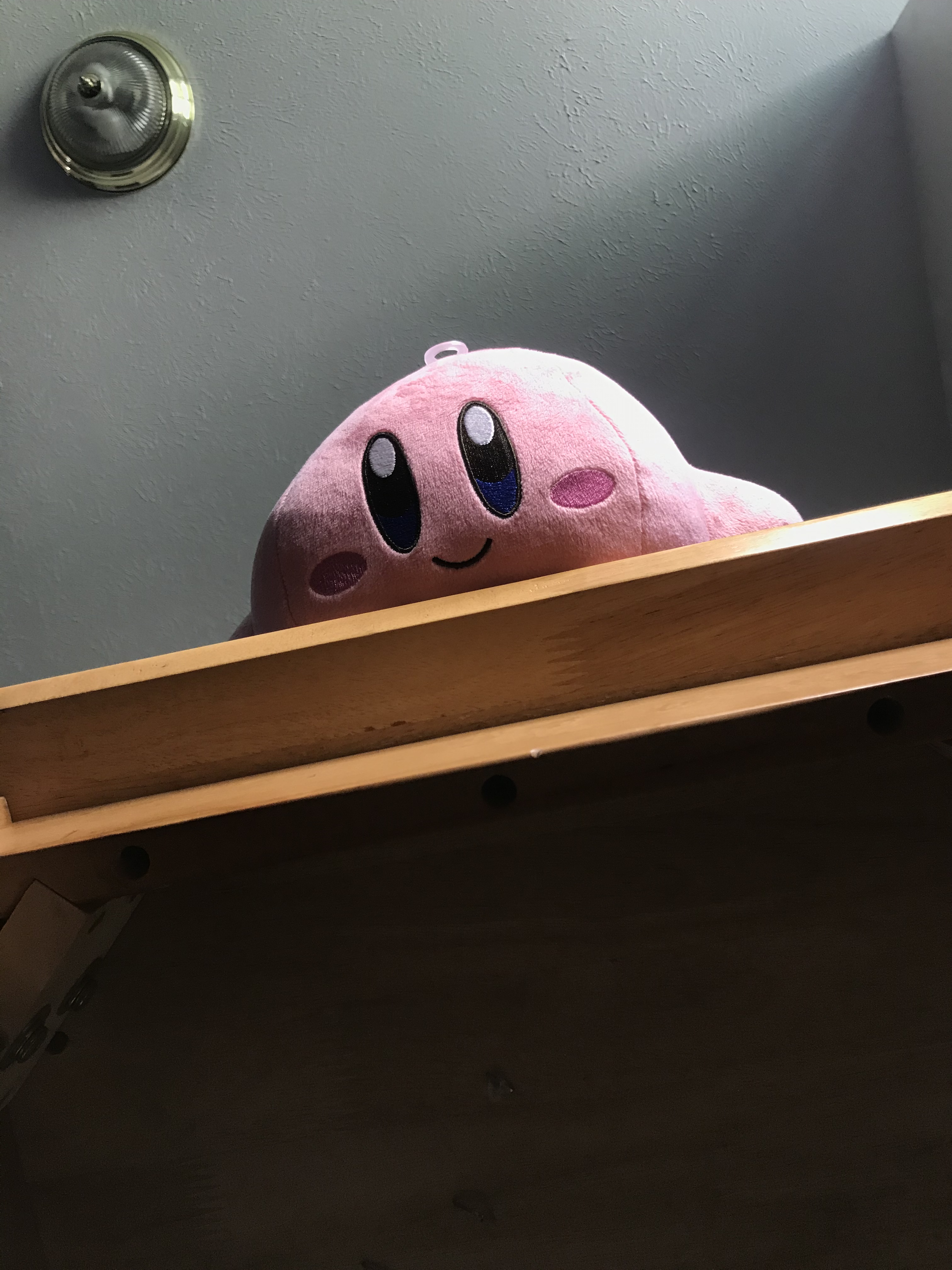
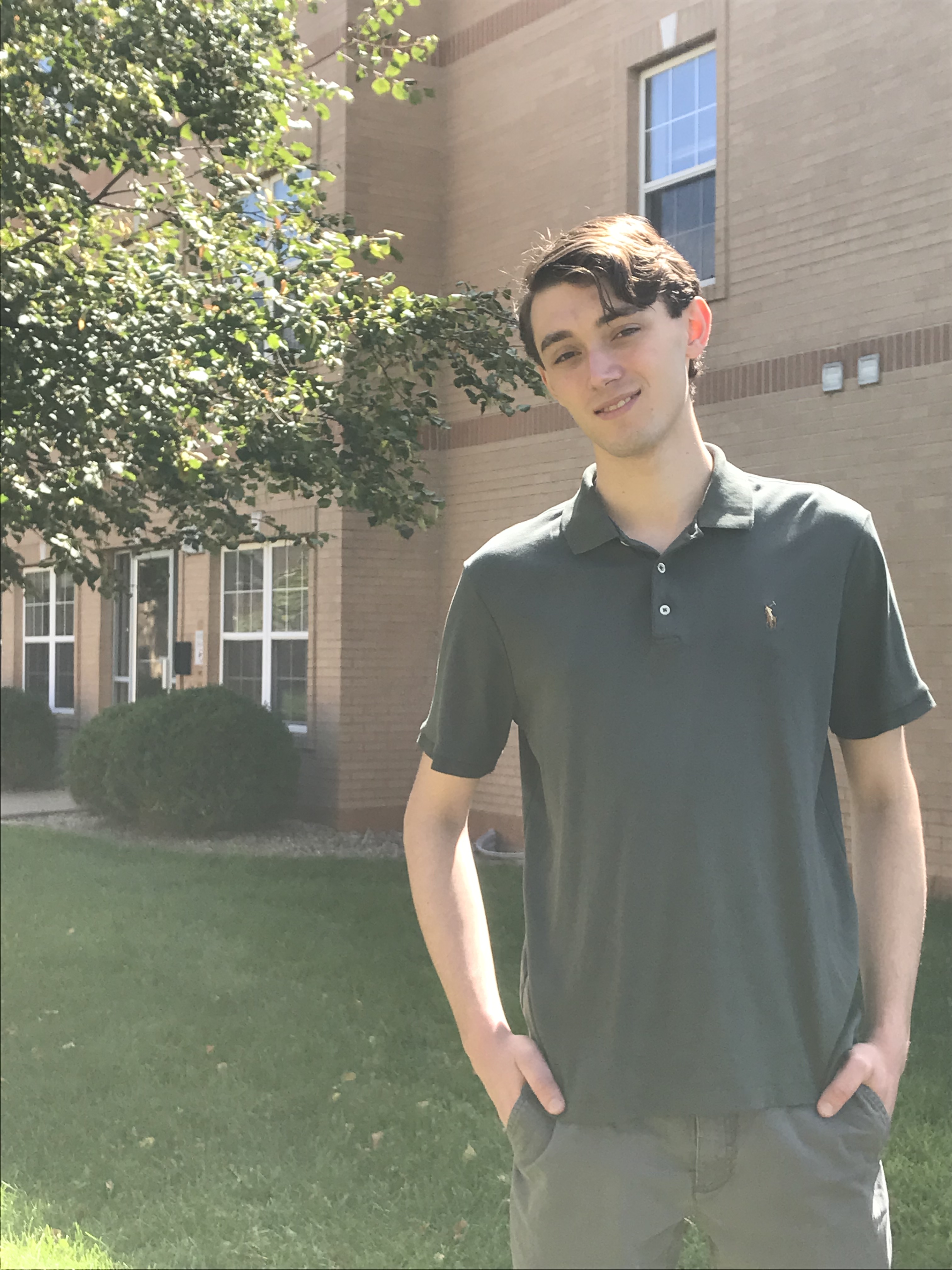
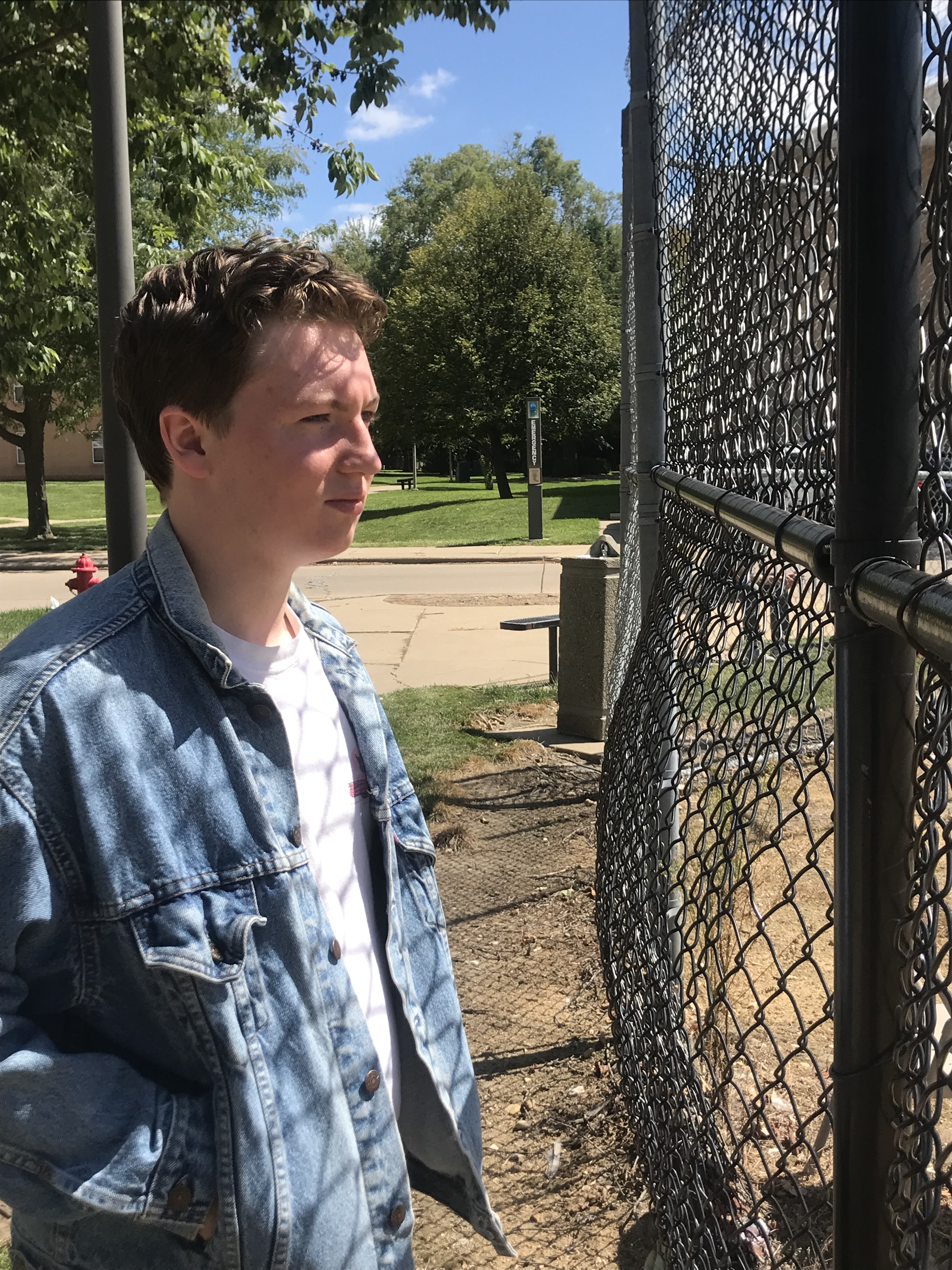
I had a list of different angles/lighting scenarios that the assignment required, and I spent my day gathering my roommates/friends to take the photos around my apartment complex (Aidan O’Donnell, Isaac Sullivan, and Joshua Peters). I wanted to utilize the environments available to me, like the baseball field, picnic table, the trees, and the drinking fountain to name a few. You can see the full gallery of shots further down.
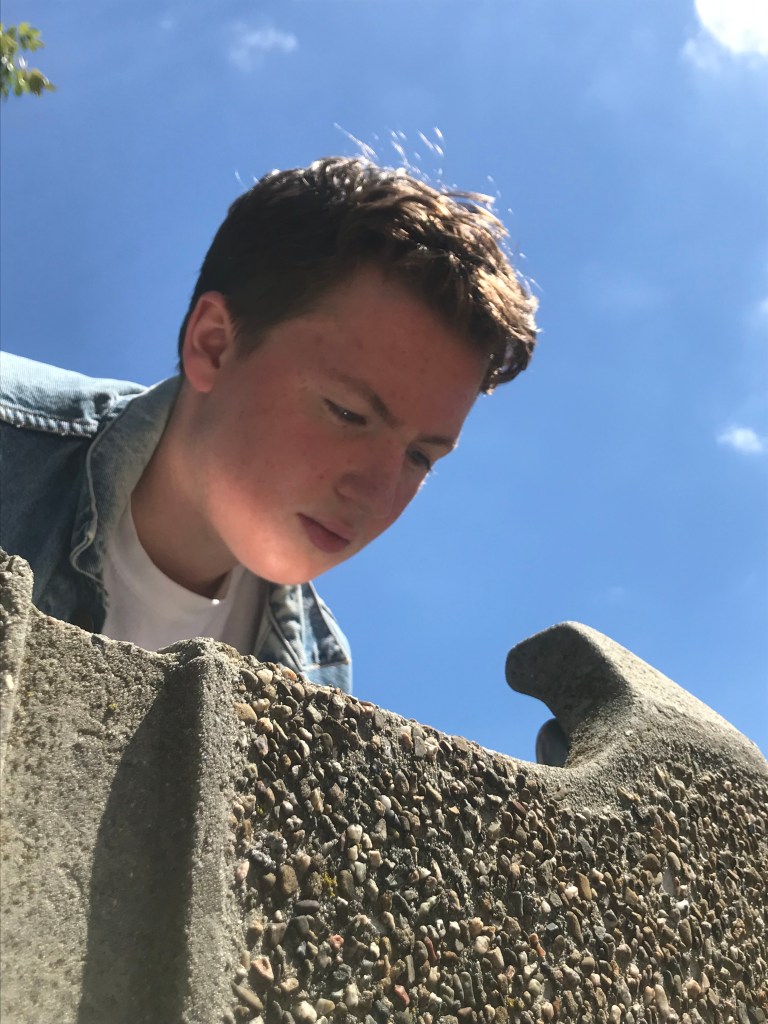
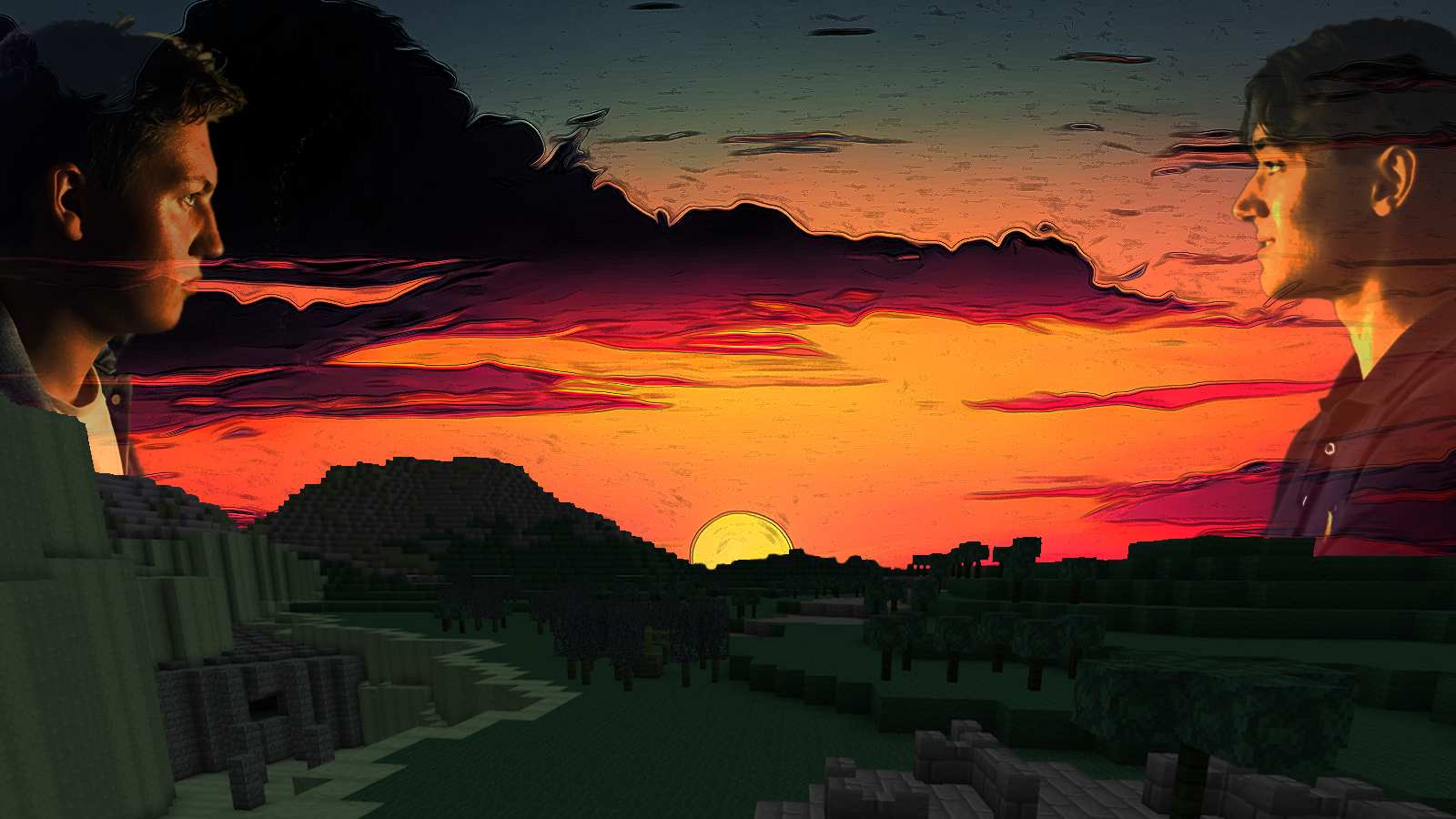
After that assignment was complete, I was then tasked with making two composite images using photoshop. I wanted the first one to be comical and the second one to be serious. For the serious composite, I used two profile shots I had saved from the previous assignment. My vision was to have them both facing each other in a sunset background. To pull this off in photoshop, I took a picture of my Minecraft build (see here), added an exposure adjustment layer to make it appear darker, and replaced the blue sky with a sunset. I then removed the backgrounds from the two profile shots I had saved, and lowered their opacity values.

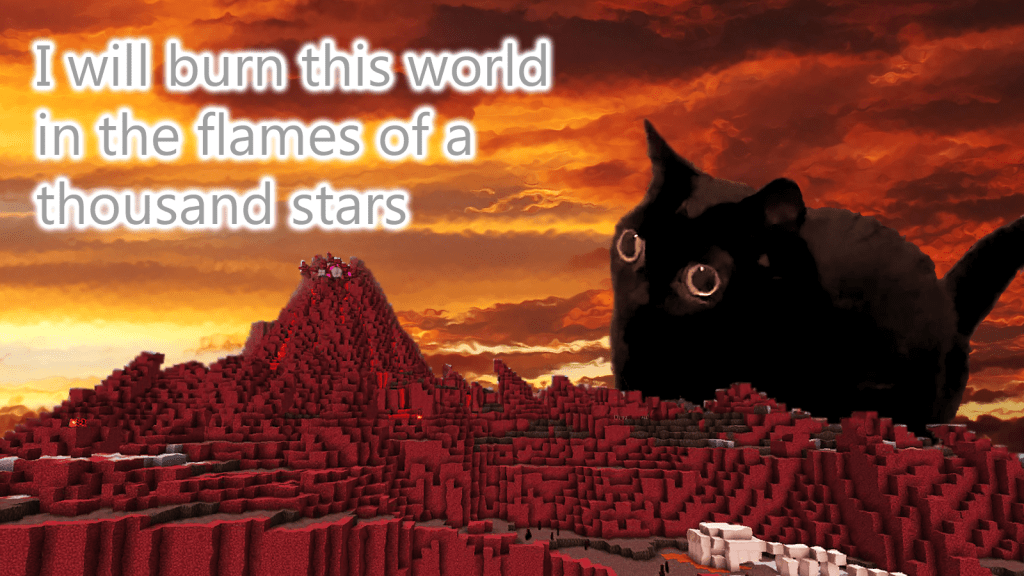
For the comical composite, my vision was to have an adorable critter overlooking a hellish environment with villanous text. I started by establishing the background of a Minecraft volcano (also from my Minecraft build), removing the blue sky and replacing it with warm clouds. I added an adjustment layer to the volcano to emphasize the red. I then added my critter of choice by removing the background of its picture and smoothing her rough edges with the blur tool. I then added text with a menacing line and a glow effect to make it appear that the cat was speaking. I finished off by applying a glassy filter on everything to give the appearence of heat waves.
My final assignment relating to photography was to draw a vector illustration. I wanted to challenge myself, and once again referred to my older assignment to pull a photo from. I settled on a front facing shot with the subject interacting with an object. I opened the image in adobe illustrator, and converted it to grayscale. I set its edge thickness and edge intensity to zero to help differentiate contrasting colors. One the image was ready, I began to draw over it in illustrator. I started with the smaller details first, then worked my way to the larger ones. Going in this order helped ensure the portrait wasn’t too generalized.
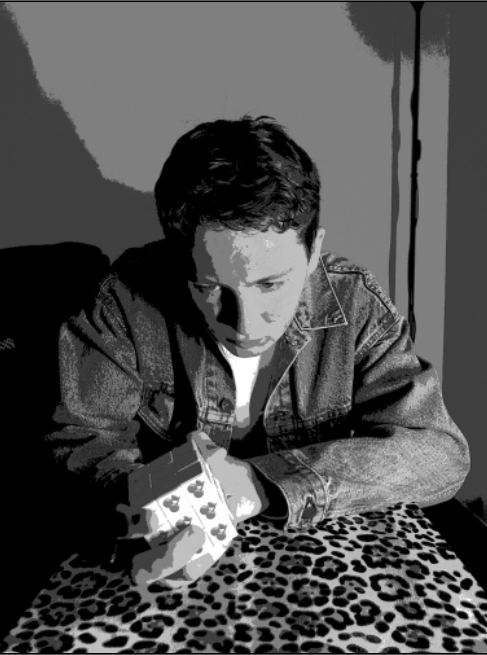
All in all, the project took about 4+ hours. Further along, I started to become more lax on getting exact outlines to help save time. And in the end, looking at it still conveys the image very faithfully. Once every path was traced, I experimented different color schemes to use. I tried using analogous colors at first, and while they looked interesting in their own right, I ultimately decided to use a monochrome green palette instead to help better convey the shading.
Gallery








 David R. Galmines